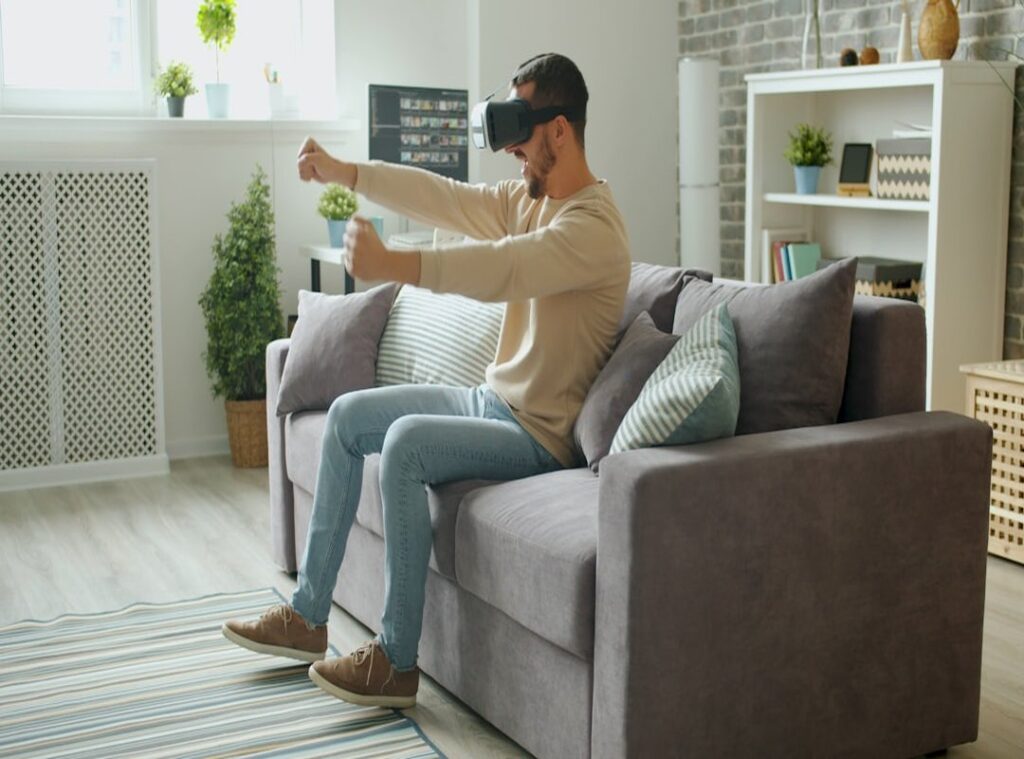
Ever feel like your gaming space is more of a mood killer than a mood maker? I’ve been there, stuck in a room that looks like it’s never seen a good game. It’s jarring to step out of an epic digital world into a drab reality.
Let’s fix that.
Think of lighting as the bridge between your room and the virtual worlds you love. I’ve spent countless hours fine-tuning my setups, obsessing over every detail that makes gaming truly immersive. Lighting changes everything.
Here’s the deal: you’ll leave with practical, easy-to-set up gaming ambience lighting tips. No more lifeless space. Expect to transform your setup from basic to breathtaking.
Ready to dive in and raise your gaming experience? You’re in the right place. Let’s get started.
Step 1: Choose Your Lighting Arsenal
Not all LEDs are created equal. to the world of gaming lights and find what’s best for you. I’ve learned (sometimes the hard way) that the right lighting can turn your setup from meh to mesmerizing.
LED Light Strips are your versatile workhorse. They’re perfect for bias lighting behind your monitor or TV, reducing that pesky eye strain when you game for hours. You can also run them under desks or along shelves for clean lines of light. They’re like the of gaming lights (yeah, I went there).
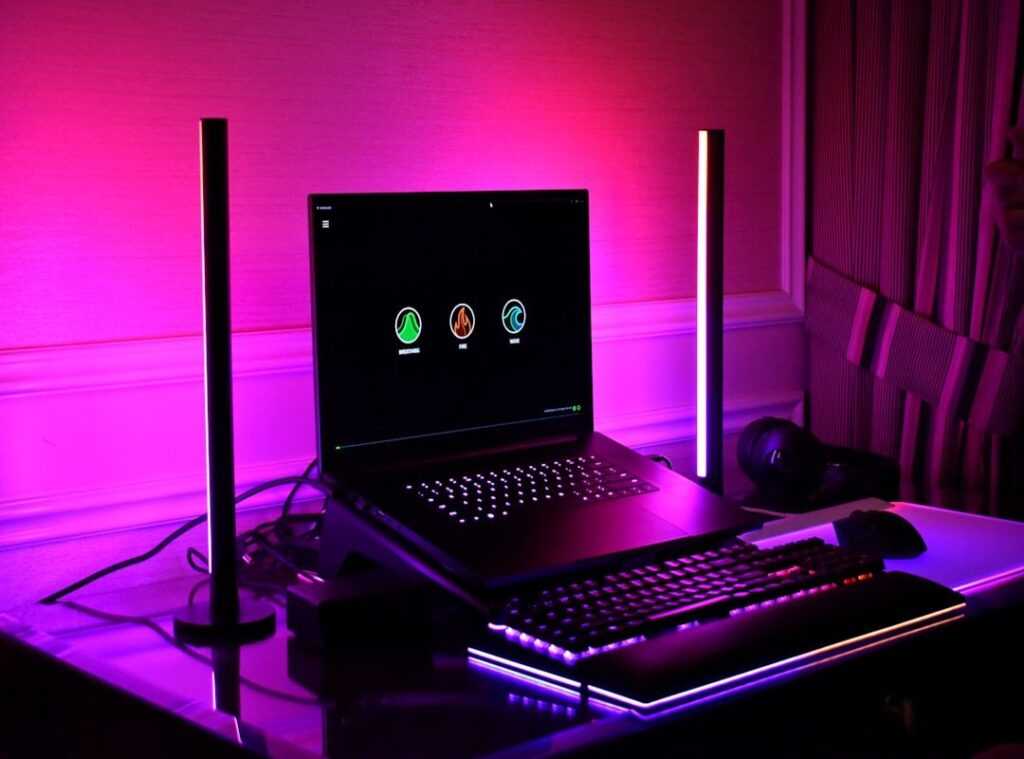
Then we have Smart Light Bars. These are your scene setters. Ever heard of wall washing?
It’s when you cast broad splashes of color on the wall behind your setup. Imagine playing an epic fantasy game with a dramatic, cinematic effect. That’s the magic of smart light bars.
Enter Smart Bulbs. They’re the key to total room immersion. You can replace a standard bulb with a smart one and instantly drench your entire room in a color that matches the game’s environment.
Imagine the room turning icy blue as you venture into a snow-covered world. It’s a game-changer.
Lastly, Modular Light Panels like Nanoleaf or Govee Glide are more than just lights. These are statement pieces. They’re functional art that screams ‘pro gamer.’ Customize them into unique shapes and patterns on the wall.
Believe me, they make your setup unforgettable.
If you’re building the ultimate ergonomic gaming setup, lighting should be your first step. These gaming ambience lighting tips will set the mood just right. Now, which will you choose?
Strategic Lighting: Maximize Your Gaming Setup
The power of lighting is all about placement. You might think loads of lights will make your setup pop, but let’s cut to the chase: it’s where you put them that counts.
Start with bias lighting. It’s the unsung hero of gaming ambience lighting tips. Stick those LED strips right on the back of your monitor or TV. does this create a sleek look, but it also reduces eye fatigue during those marathon sessions.
It’s like giving your eyes a break without disconnecting from the game.
Now, let’s talk wall washing. Aim your light bars at a 45-degree angle toward the wall to achieve a soft, ambient glow. This isn’t about blasting light directly in your face or drowning your space in harsh light.
You’re creating depth, a gradient of light that enhances the vibe, not competes with it.
Do you want to feel like you’re floating in your setup? The floating desk effect is your answer. Apply an LED strip along the back edge of your desk.
The underglow transforms your workspace into a futuristic command center. It’s as if your desk is levitating. Just imagine the double-take your friends will do!
Don’t forget to accentuate your gear. A short light strip or a small spotlight can highlight your prized possessions. Got a favorite controller or collectible?
Showcase it with light. It’s a chance to make your setup uniquely yours.
For more detailed lighting setup ideas for gaming ambiance, check out expert advice online. There’s always room to evolve your setup. Lighting isn’t just a way to see; it’s a way to experience.
Experiment with placement and watch your gaming space transform. Got any other tips? Share them.
Your setup should reflect your style but also your gaming passion.
Color Your Game: Brighten Up Your Play
Alright, here’s the deal. If you’ve ever played a game and felt like something was missing, it might be your lighting. Seriously, gaming ambience lighting tips can change everything.

It’s not just decoration. It impacts how you feel, how you play, and how deep you dive into these virtual worlds.
I’ve made my share of mistakes here. Once, I thought simple white light was enough. Wrong.
For epic sci-fi adventures like Starfield or Cyberpunk, you need deep blues, lively purples, and hot pinks. These shades mimic those neon cityscapes and the vastness of space perfectly. It’s like stepping into a Blade Runner scene (minus the existential dread).
Switching to high-fantasy? Try warm golds, ethereal greens, and those mystical purples. Games like Elden Ring thrive on these.
Trust me, you want to feel the enchantment of ancient magic. A missed opportunity? Not having this setup for Baldur’s Gate 3 (rookie mistake, I know).
Tense horror games… they demand blood reds, stark cold whites, and flickering oranges. Think Resident Evil or Alan Wake 2. These colors keep the tension levels insane.
I once thought blue would work for horror. Laughable. It killed the vibe faster than a cheap jump scare.
Multiplayer action, though? Focus is key. A neutral, bright white light works wonders.
But why not boost the team spirit with your squad’s colors? It’s an easy win for camaraderie. And if you want to boost your gaming experience with the top accessories, lighting is a fantastic start.
So, are you going to keep playing in the dark? Or will you brighten things up?
The Final Boss: Syncing Lights for a Truly Reactive Experience
Ever tried gaming in the dark? It’s like missing out on half the fun! Let’s talk about next-level immersion: lighting that reacts to your game’s actions.
Screen mirroring is a game-changer. Think about it: an in-game explosion flashes orange across your room. Software like Philips Hue Sync or Govee DreamView uses a camera or app to read screen colors and project them onto your walls.
It’s mind-blowing. Two main types exist: screen mirroring and audio reactivity.
Your entire room becomes part of the game.
Then there’s audio reactivity. It’s pure magic. Imagine lights pulsing to the beat of the soundtrack or changing colors with gunfire.
Your room turns into a personal concert. It’s all about creating a vibe with gaming ambience lighting tips. Sure, it’s pricier, but it’s worth every cent.
It’s the single biggest upgrade for an immersive atmosphere. (And let’s face it, we all love a good splurge now and then.)
Why should you care? Because it makes gaming feel real. You’re not just playing; you’re living it.
Isn’t that the dream? Dive into this tech, and trust me, you’ll never want to game any other way.
Light Up Your Gaming World
Isn’t it frustrating when your gaming space feels dull? I get it. A boring setup can really drag down your experience.
But here’s the fix: with the right lights, you create an immersive sanctuary. It’s not just for show. It deepens your connection to the game.
Want the magic? Pick one of our gaming ambience lighting tips. Maybe add bias lighting or sync colors to your favorite games.
Try it this week. Don’t wait. Transform your space now.
Feel the difference. Ready to level up your gaming? Dive in and start creating your ultimate gaming environment today.
 There is a specific skill involved in explaining something clearly — one that is completely separate from actually knowing the subject. Sylvara Ollvain has both. They has spent years working with stick-based game controller mechanics in a hands-on capacity, and an equal amount of time figuring out how to translate that experience into writing that people with different backgrounds can actually absorb and use.
Sylvara tends to approach complex subjects — Stick-Based Game Controller Mechanics, Pro Tips Collection, Console Gaming Trends and Insights being good examples — by starting with what the reader already knows, then building outward from there rather than dropping them in the deep end. It sounds like a small thing. In practice it makes a significant difference in whether someone finishes the article or abandons it halfway through. They is also good at knowing when to stop — a surprisingly underrated skill. Some writers bury useful information under so many caveats and qualifications that the point disappears. Sylvara knows where the point is and gets there without too many detours.
The practical effect of all this is that people who read Sylvara's work tend to come away actually capable of doing something with it. Not just vaguely informed — actually capable. For a writer working in stick-based game controller mechanics, that is probably the best possible outcome, and it's the standard Sylvara holds they's own work to.
There is a specific skill involved in explaining something clearly — one that is completely separate from actually knowing the subject. Sylvara Ollvain has both. They has spent years working with stick-based game controller mechanics in a hands-on capacity, and an equal amount of time figuring out how to translate that experience into writing that people with different backgrounds can actually absorb and use.
Sylvara tends to approach complex subjects — Stick-Based Game Controller Mechanics, Pro Tips Collection, Console Gaming Trends and Insights being good examples — by starting with what the reader already knows, then building outward from there rather than dropping them in the deep end. It sounds like a small thing. In practice it makes a significant difference in whether someone finishes the article or abandons it halfway through. They is also good at knowing when to stop — a surprisingly underrated skill. Some writers bury useful information under so many caveats and qualifications that the point disappears. Sylvara knows where the point is and gets there without too many detours.
The practical effect of all this is that people who read Sylvara's work tend to come away actually capable of doing something with it. Not just vaguely informed — actually capable. For a writer working in stick-based game controller mechanics, that is probably the best possible outcome, and it's the standard Sylvara holds they's own work to.