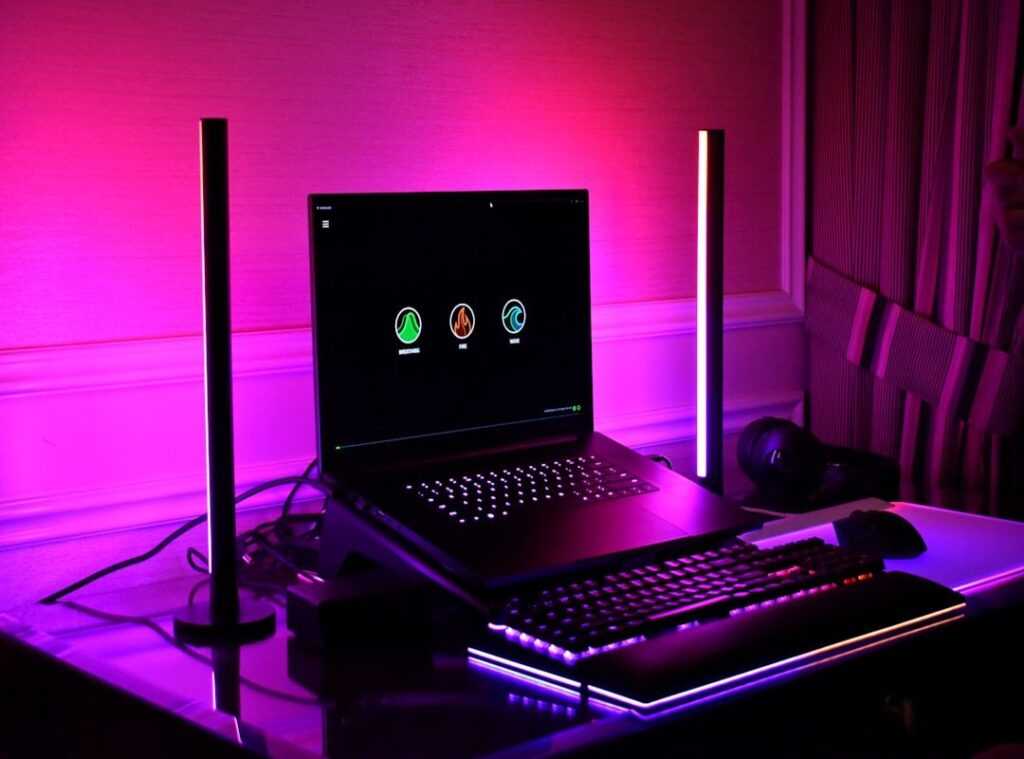

Ever tried to untangle the cable monster lurking behind your gaming rig? I have, and it’s a nightmare. Picture this: You’re lined up for the perfect shot in your favorite game, and suddenly, your mouse cable snags.
Infuriating, right? Messy cables aren’t just an eyesore. They’re a performance-killer.
They trip you up at the worst times and gather dust like they’re in a contest. As a gamer, I know the struggle. Each cable is a reminder of the money spent on top-notch components, only to be let down by chaos.
But what if I told you it doesn’t have to be that way? With the right gaming cable management techniques, you can transform that mess into a clean, fast battlestation. This article promises actionable steps to improve focus, reduce dust, and simplify hardware swaps.
Get ready for a better gaming experience.
Phase 1: Your Pre-Battle Takedown Plan
If you’ve ever played a game without a plan, you know the chaos. Managing cables is no different. It’s a non-negotiable first step.
You wouldn’t rush a boss fight without a plan, right? So, let’s dive into this phase and get it right.
First up is the “Full Shutdown.” Unplug everything. I mean everything. Why?
Because there’s no way to organize a live web of cables. It’s like trying to untangle spaghetti while someone’s still cooking it. This might sound extreme, but trust me, it’s necessary for effective cable management.
Once everything’s unplugged, it’s time to “Sort & Purge.” Group similar cables together. Power, display, USB, audio. And get rid of any old, unnecessary ones.
Holding onto that dusty VGA cable? Let it go. It’s just clutter, and you don’t need it.
Next, we “Map Your Cable Routes.” Visualize the ideal path each cable should take from its component to the power strip or PC. I suggest sketching a simple diagram. It’s like crafting your own mini-map (gamers love maps).
Pro tip: Measure your cable lengths. This helps you decide if you need longer or shorter cables to prevent tension or excess slack. It’s all about efficiency and avoiding the frustration of cables pulled too tight.
And if you’re into top-notch setup, check out Top Accessories Enhancing Gaming Experience. These can take your setup to the next level. Ready to conquer the cable chaos?
Let’s get organized!
Assemble Your Cable Management Arsenal: The Gamer’s Guide
Alright, to the essentials of gaming cable management techniques. You can’t ignore the chaos behind your desk forever, right? Start with the Recruit-Tier Gear: Velcro ties and cable clips.
Velcro is like the unsung hero here. Why? Because unlike zip ties, it’s reusable.
No more cutting and replacing every time your setup changes (and come on, it always does). Plus, it won’t strangle your cables like zip ties can. Trust me, your electronics will thank you.
Move up to the Veteran-Tier Gear. We’re talking cable sleeves and J-channel raceways. Cable sleeves are a game-changer.
They bundle up multiple cables into one sleek tube. It’s like turning a tangled mess into a clean, organized line. And those raceways?
They’re perfect for creating a hidden highway under your desk. Out of sight, out of mind.
But wait, there’s more. Enter the Gamer-Specific Loot. Mouse bungees, multi-device charging docks, and under-desk headphone hangers.
Mouse bungees eliminate cable drag, which is a godsend during intense gaming sessions. Charging docks keep your controllers and headsets charged and ready to go. And hangers?
Well, they keep your headphones conveniently stashed but within arm’s reach.
Now, should you buy a kit or source everything individually? Kits offer convenience, no doubt. They’re easy and quick.
But piecing it together yourself can be cheaper. Plus, you can customize exactly what you need. No more, no less.
It’s worth considering both options before you make a decision.
For more tips on organizing your setup, check out this guide on cable management for gaming and home office setups. They break it down beautifully. In the end, it’s all about keeping your space clean and functional.
Because let’s face it, a tidy desk is a happy desk.
Core Strategies: Crafting a Flawless Battlestation
Let’s talk about the holy grail of setups: the gaming cable management techniques. If you’re serious about crafting a clean battlestation, it all starts here. The “Under-Desk Offensive” is your main battlefield.

You must mount a power strip under your desk (no excuses). Keeping those cables hidden is non-negotiable.
How do you do it? Use J-channels or adhesive clips to route cables. This keeps everything horizontal and out of sight.
You need them invisible, especially when you’re sitting down. A clutter-free view is not just visually pleasing but also feels like a neatly wrapped present.
On to the “On-Desk Control”. Here’s where things get tricky. All those visible cables for your monitors, keyboards, mice, and speakers need taming.
Create “service loops” behind your monitors. These are neat coils of any extra cable. Use your monitor arm’s path to cleverly hide the display cables.
Trust me, this is key for keeping your desk looking like something out of a sci-fi movie. You want to impress anyone who walks into your room, even if that’s just your cat.
Next is the “Vertical Assault”. You can’t avoid some cables running from the floor to your desk. It’s inevitable.
But you can make it look intentional. Bundle them into one sleek cable sleeve. Run it along a desk leg for a polished look.
Does your setup include dual monitors? If so, you might want to check out ways to maximize performance in dual monitor setups. It’s all about efficiency, and let’s be honest, looking like a pro.
Remember, a well-organized battlestation isn’t just about aesthetics. It’s about feeling like you’ve got your act together. It’s your space; make it work for you.
Bonus Round: Taming Console Chaos
Managing multiple consoles isn’t just about aesthetics; it’s about gaming cable management techniques that keep your setup functional. Let’s face it, your entertainment center is a battlefield of wires. Got a PS5, Xbox, and Switch?
They’re all fighting for space and power.
Here’s a simple trick: use the back of your TV stand to hide cables. I mean, who wants a rat’s nest of wires? Right-angle adapters for HDMI and power cords are lifesavers.
They let consoles nestle closer to the wall, freeing up precious room.
Now, controllers. Those charging cables are the worst, always tangled and messy. A dedicated charging dock can save you from the chaos.
It’s like a little oasis of order in your gaming desert.
What if you’re juggling a PC and a console on the same desk? Integrating cables into a unified system is key. Use clips or ties to bundle everything neatly.
It sounds simple, but it makes a massive difference.
Pro tip: label your cables. You’ll thank yourself later when you’re not pulling out the wrong plug mid-game.
Are you ready to conquer the chaos? Let’s get those systems under control and make your setup as epic as your gameplay.
Untangle Your Gaming Space Today
Isn’t it time to break free from the chaos of tangled cables? That messy gaming setup is more than just an eyesore; it’s a distraction. But you’ve got the tools now.
With the right gaming cable management techniques, your setup can finally look sleek and professional. Imagine the satisfaction of hiding those cables and managing what’s visible. Start simple.
Mount that power strip under your desk this weekend. See the difference firsthand. You’re ready for it.
Want a distraction-free gaming zone? Make your move. Tackle one task at a time and claim your victory over cable chaos now.
 Ask Donald Symondslaber how they got into console gaming trends and insights and you'll probably get a longer answer than you expected. The short version: Donald started doing it, got genuinely hooked, and at some point realized they had accumulated enough hard-won knowledge that it would be a waste not to share it. So they started writing.
What makes Donald worth reading is that they skips the obvious stuff. Nobody needs another surface-level take on Console Gaming Trends and Insights, Pro Tips Collection, Multiplayer Strategy Breakdowns. What readers actually want is the nuance — the part that only becomes clear after you've made a few mistakes and figured out why. That's the territory Donald operates in. The writing is direct, occasionally blunt, and always built around what's actually true rather than what sounds good in an article. They has little patience for filler, which means they's pieces tend to be denser with real information than the average post on the same subject.
Donald doesn't write to impress anyone. They writes because they has things to say that they genuinely thinks people should hear. That motivation — basic as it sounds — produces something noticeably different from content written for clicks or word count. Readers pick up on it. The comments on Donald's work tend to reflect that.
Ask Donald Symondslaber how they got into console gaming trends and insights and you'll probably get a longer answer than you expected. The short version: Donald started doing it, got genuinely hooked, and at some point realized they had accumulated enough hard-won knowledge that it would be a waste not to share it. So they started writing.
What makes Donald worth reading is that they skips the obvious stuff. Nobody needs another surface-level take on Console Gaming Trends and Insights, Pro Tips Collection, Multiplayer Strategy Breakdowns. What readers actually want is the nuance — the part that only becomes clear after you've made a few mistakes and figured out why. That's the territory Donald operates in. The writing is direct, occasionally blunt, and always built around what's actually true rather than what sounds good in an article. They has little patience for filler, which means they's pieces tend to be denser with real information than the average post on the same subject.
Donald doesn't write to impress anyone. They writes because they has things to say that they genuinely thinks people should hear. That motivation — basic as it sounds — produces something noticeably different from content written for clicks or word count. Readers pick up on it. The comments on Donald's work tend to reflect that.