

Your gaming chair isn’t just another accessory—it’s the foundation of your entire setup. Long sessions hunched over the wrong seat can lead to back pain, stiff shoulders, and fading focus that costs you matches. This ergonomic gaming chair guide breaks down exactly what to look for to maximize comfort and in-game performance. From lumbar support and adjustable armrests to seat materials and proper sizing, you’ll get a clear checklist tailored to serious players. Backed by years of hands-on experience optimizing gaming setups for peak results, this guide connects physical comfort directly to sharper reactions, better posture, and longer-lasting focus.
The Core of Comfort: Essential Ergonomic Adjustments
Serious gamers love to debate specs—Hz, latency, stick tension—but often overlook the chair. Some argue any “gaming” seat will do as long as it looks the part (racing stripes included). But when you’re grinding ranked matches for hours, adjustable ergonomics aren’t optional—they’re performance gear.
Lumbar Support: Pillow vs. Integrated System
A static lumbar pillow is better than nothing. It props up your lower spine (the lumbar region, the inward curve just above your hips) and can reduce slouching. Critics say that’s enough.
Here’s what they miss: bodies move. An integrated, adjustable lumbar system shifts up, down, and sometimes in depth. That dynamic support maintains spinal alignment as you lean forward during clutch moments and recline between rounds. Research from the National Institute for Occupational Safety and Health shows proper lumbar support reduces lower back fatigue during prolonged sitting. Pillows compress. Adjustable systems adapt.
4D Armrests: The Underrated Advantage
4D armrests adjust in:
- Height
- Width
- Angle (pivot)
- Forward/backward depth
For stick-based controller users, this matters. Your shoulders shouldn’t elevate or roll inward. Fine-tuned arm support reduces trapezius strain and wrist tension (goodbye post-session ache). Many guides gloss over controller ergonomics; a real ergonomic gaming chair guide should address micro-adjustments specific to thumbstick precision.
Seat Height & Tilt Lock: The “Waterfall” Effect
The waterfall edge is the gently sloped seat front that reduces pressure behind your thighs, improving circulation. Adjust height so feet are flat and knees sit near 90 degrees. Use tilt lock strategically—upright when focusing, slight recline when strategizing. Static posture is the enemy. Controlled movement is the edge.
Built to Last: Materials, Frame, and Base Construction
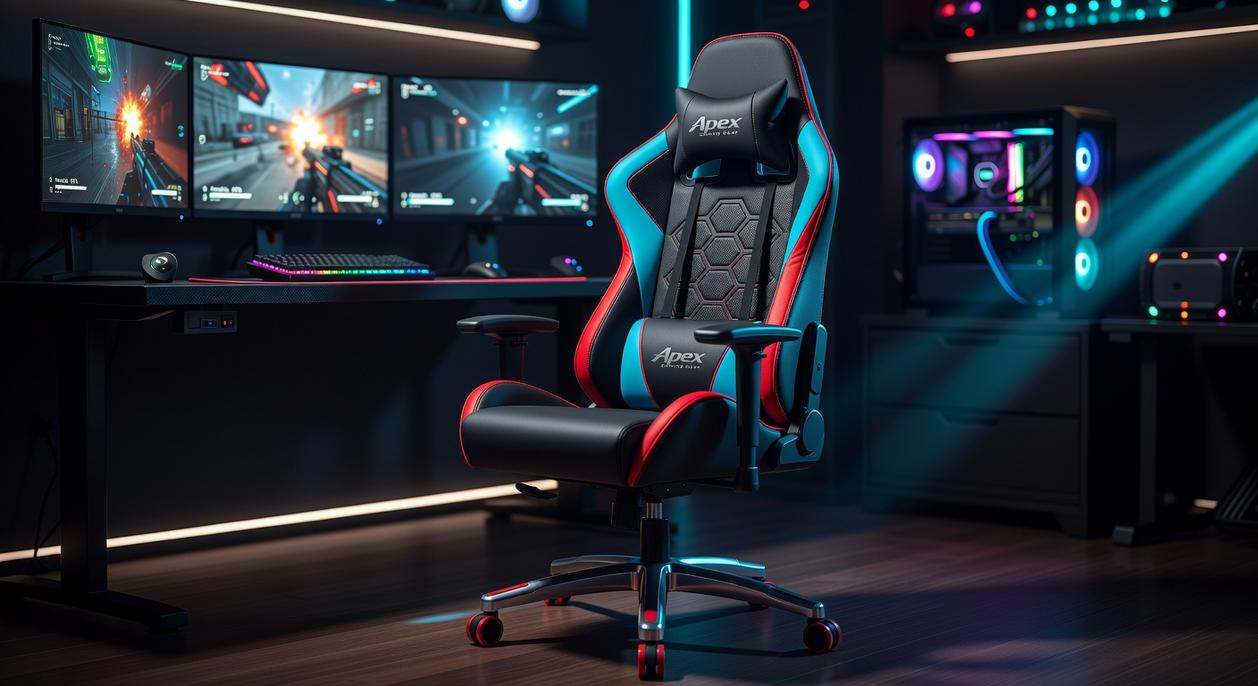
A chair can look elite on stream and still fall apart in a year. What matters is what’s underneath.
Fabric vs. Leather
PU leather (polyurethane-coated synthetic leather) is affordable and easy to wipe clean, but studies on synthetic coatings show they’re prone to cracking after 2–3 years of heavy use. Real leather lasts longer and develops a patina, yet it requires conditioning and costs more. Breathable fabrics like mesh or softweave reduce heat buildup; research from the National Library of Medicine links improved airflow to lower skin temperature and increased seated comfort during long sessions.
• PU leather: Low maintenance, less durable over time
• Real leather: Durable, premium feel, higher upkeep
• Mesh/softweave: Breathable, ideal for long gaming sessions
Some argue leather “feels” more premium, and that’s fair—but durability and comfort data favor breathable materials for marathon play.
The Frame Underneath
A steel frame resists flex and fatigue. Steel’s tensile strength significantly exceeds molded plastic alternatives, which can warp under repeated stress. A rigid frame means fewer wobbles (and fewer rage-lean scares).
Base and Casters
Aluminum bases outperform nylon in load testing, offering higher weight capacity and crack resistance. Large polyurethane casters roll smoother and reduce floor damage—critical for hardwood setups. For deeper specs, check an ergonomic gaming chair guide before buying.
Finding Your Perfect Fit: Sizing and Weight Capacity
One Size Does Not Fit All
An ergonomic gaming chair guide often starts with height and weight limits for a reason. Manufacturers test chairs for specific load capacities (the maximum safe weight a chair can support). If you’re outside that range, the frame, hydraulics, or casters can wear out faster (and no one wants a mid-match collapse). Some argue weight limits are overly cautious. But exceeding them can reduce stability and long-term comfort.
Seat Depth and Width
Seat depth refers to the distance from the backrest to the front edge of the seat. To measure properly:
- Sit upright with your back against a wall.
- Measure from the wall to the back of your knees.
- Subtract 1–2 inches to avoid pressure behind the knees.
Width matters too—your hips should fit comfortably without squeezing.
Backrest Height
Backrest height determines shoulder and head support. Taller gamers need high-back designs so the headrest aligns naturally. For more posture tips, read how to optimize your gaming desk setup for comfort and performance.
How Your Chair Directly Impacts Gameplay and Reaction Time
You might blame lag, your controller, or even “bad RNG.” However, your chair could be the hidden variable affecting your reaction time.
The Stick Controller Connection starts with posture. When your spine is upright and your elbows rest at a 90-degree angle, your forearms stay stable. That stability reduces unintended analog stick drift and improves fine motor control (small, precise thumb movements). In fast-paced shooters or fighting games, cleaner inputs mean fewer missed micro-corrections. Some argue skill alone determines precision. Yet biomechanics research shows supported joints reduce muscular fatigue and tremors over time (NIH). In other words, structure enhances skill.
Reducing “Micro-Adjustments”
A well-designed chair with adjustable lumbar support and seat depth minimizes subconscious shifting. Those tiny wiggles to relieve pressure? They break focus. By eliminating discomfort triggers, you stay locked into the match instead of your posture. (Think of it as removing background apps draining RAM.) Pro tip: armrests adjustable in height and width prevent shoulder elevation, a common source of mid-game fatigue.
Endurance for the Long Haul is where ergonomics really wins. Pressure-distributing foam, tilt tension control, and breathable materials prevent energy drain during marathon sessions. While some say “just tough it out,” cumulative strain slows reaction time and decision-making (OSHA). For setup specifics, consult an ergonomic gaming chair guide and treat your chair like essential gear, not furniture.
Assembling Your Ultimate Gaming Throne
You came here to build the perfect setup, and now you have the complete framework to choose a chair based on adjustability, materials, and personal fit. No more guessing. No more settling.
The truth is, the best gaming chair isn’t a luxury—it’s protection against back pain, fatigue, and performance drops during long sessions. Ignoring ergonomics today can cost you comfort and focus tomorrow.
Investing in a better chair means investing in your health and your game. Use this ergonomic gaming chair guide to evaluate your current setup and upgrade with confidence. Join thousands of gamers who’ve transformed their play with smarter seating choices—assess your space, choose the right chair, and level up your comfort now.
 Ask Donald Symondslaber how they got into console gaming trends and insights and you'll probably get a longer answer than you expected. The short version: Donald started doing it, got genuinely hooked, and at some point realized they had accumulated enough hard-won knowledge that it would be a waste not to share it. So they started writing.
What makes Donald worth reading is that they skips the obvious stuff. Nobody needs another surface-level take on Console Gaming Trends and Insights, Pro Tips Collection, Multiplayer Strategy Breakdowns. What readers actually want is the nuance — the part that only becomes clear after you've made a few mistakes and figured out why. That's the territory Donald operates in. The writing is direct, occasionally blunt, and always built around what's actually true rather than what sounds good in an article. They has little patience for filler, which means they's pieces tend to be denser with real information than the average post on the same subject.
Donald doesn't write to impress anyone. They writes because they has things to say that they genuinely thinks people should hear. That motivation — basic as it sounds — produces something noticeably different from content written for clicks or word count. Readers pick up on it. The comments on Donald's work tend to reflect that.
Ask Donald Symondslaber how they got into console gaming trends and insights and you'll probably get a longer answer than you expected. The short version: Donald started doing it, got genuinely hooked, and at some point realized they had accumulated enough hard-won knowledge that it would be a waste not to share it. So they started writing.
What makes Donald worth reading is that they skips the obvious stuff. Nobody needs another surface-level take on Console Gaming Trends and Insights, Pro Tips Collection, Multiplayer Strategy Breakdowns. What readers actually want is the nuance — the part that only becomes clear after you've made a few mistakes and figured out why. That's the territory Donald operates in. The writing is direct, occasionally blunt, and always built around what's actually true rather than what sounds good in an article. They has little patience for filler, which means they's pieces tend to be denser with real information than the average post on the same subject.
Donald doesn't write to impress anyone. They writes because they has things to say that they genuinely thinks people should hear. That motivation — basic as it sounds — produces something noticeably different from content written for clicks or word count. Readers pick up on it. The comments on Donald's work tend to reflect that.