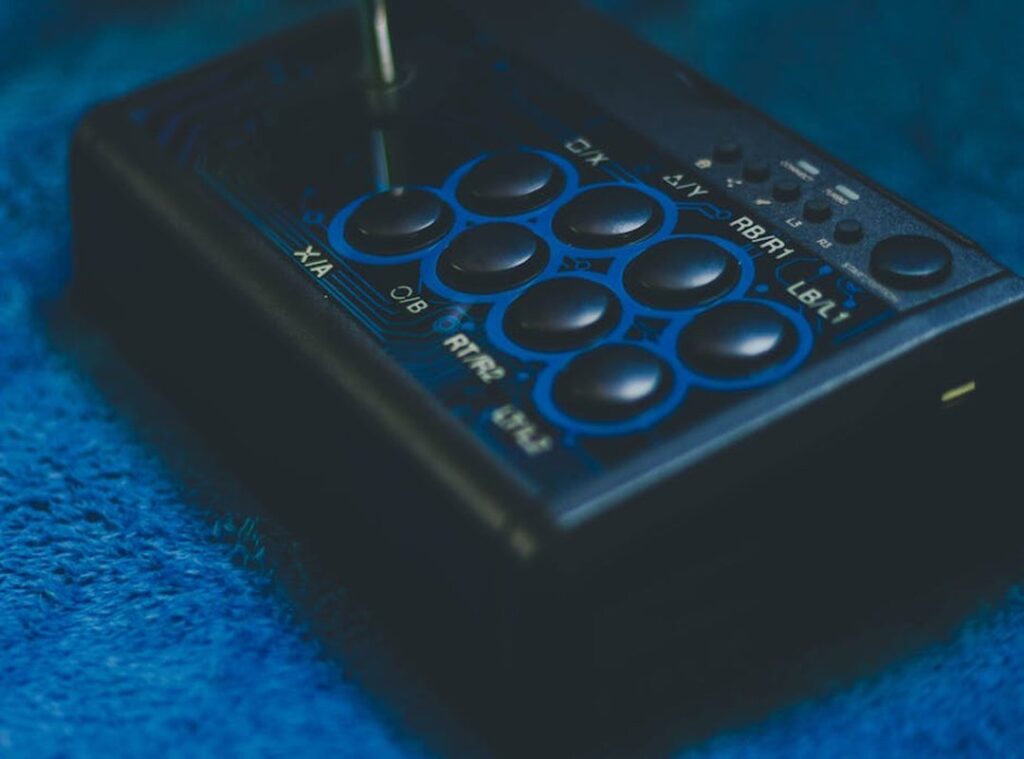

Ever lost a game because your controller decided to betray you with a sticky button or a drifting analog stick? Frustrating, right? I’ve been there, and it sucks.
So, here’s the deal: this article is all about stick controller maintenance practices you can do right at home. No technical gibberish. Just simple steps from someone who’s spent countless hours gaming and fixing controllers.
You don’t need fancy tools or a degree in engineering. Just a willingness to get your hands a bit dirty. I promise you’ll walk away with a clear routine that’ll keep your controller in top shape, saving you money and improving your gameplay.
Ready to tackle those controller woes? and make sure you never lose another game because of tech troubles.
Your Upkeep Toolkit: Essentials You Actually Need
Let’s cut through the noise. What do you really need for stick controller maintenance practices? Here’s a straightforward list that won’t break the bank.
- Isopropyl alcohol (70% or higher): Your go-to for safely dissolving grime without damaging plastics. It’s a lifesaver for sticky buttons.
- Microfiber cloths: These are perfect for wiping away dust and dirt without scratching surfaces. Softness matters, trust me.
- Cotton swabs: Ideal for those hard-to-reach corners. They get into the nooks and crannies, where dirt loves to hide.
- A soft-bristle brush (an old toothbrush works great): Gentle yet effective for scrubbing away stubborn debris. Who knew your old brush had a second life?
- A can of compressed air: Important for blowing out dust from tight spaces. It’s like magic for those tiny crevices.
Feeling adventurous? Add a plastic prying tool to your kit. It’s not necessary for regular cleaning but handy if you’re taking things apart (just don’t get carried away).
For more on comparing stick controllers touch inputs, check out the takeaways. You’ll get a deeper understanding of what makes these tools important. Whether you’re a gaming pro or just maintaining your gear, these basics keep your controller in top shape.
The Weekly Gamer Refresh: Five Minutes to Beat Grime
Let’s face it, we gamers often overlook our controllers. But those grimy buttons? They’re a ticking time bomb.
You don’t want to be that person whose game-winning move gets sabotaged by a sticky button. Here’s the most important habit you can build: a five-minute weekly refresh.
First, safety first. Step 1: Disconnect the controller. This isn’t just about preventing accidental inputs (it’s) about protecting your gear.
Who wants to risk a short circuit? Not me.
Next, grab a microfiber cloth. Step 2: The dry wipe. This step is criminally underrated.
It’s not about just making it look shiny. It’s about removing oils and dust that love to nestle in.
Now, for the nooks and crannies. Step 3: Brush the seams. Use a soft brush (a toothbrush works if you’re desperate) to gently coax out debris around buttons and the D-pad.
Trust me, you’ll be amazed at what hides in there.
Time to get detailed. Step 4: The detailed wipe. Lightly dampen a cotton swab with isopropyl alcohol.
I repeat, lightly. Nobody wants a soggy mess. Focus on the analog stick shafts and those tight corners.
Your controller will thank you.
This quick routine is your best defense against long-term nightmares like stick drift. Speaking of which, if you’re tired of dealing with those issues, check out this guide on understanding why your controllers keep getting stick drift. A little prevention goes a long way in stick controller maintenance practices.
It’s a simple ritual, but it saves you from headaches down the road.
The Deep Clean: Stick Drift and Stubborn Grime
Let’s be honest. Nothing’s worse than a controller misbehaving right in the middle of a heated game. It’s sticky, slow, or worse, drifting.

You know the drill. But here’s a strong disclaimer: if you’re not comfortable with the risk, don’t open your controller. It could void your warranty.
Luckily, you don’t need to crack it open for a deep clean. Stick controller maintenance practices often save the day. Compressed air is your first ally.
Use short bursts from a safe distance to blow debris out of the analog stick mechanism and ports. It’s like giving your controller a breath of fresh air (literally).
Now, let’s get to the meat of it: the alcohol-swab rotation technique. Trust me, it works wonders. Dampen a swab with isopropyl alcohol and gently clean the base of the analog stick.
Rotate it through its full range of motion. This helps work out that stubborn internal gunk. Think of it as a mini spa day for your controller.
So, what shouldn’t you do? That’s just as important. Never use harsh chemical cleaners like Windex.
Don’t soak your controller (it’s not a sponge). And for the love of all things gaming, don’t use anything sharp to scrape out grime. You’ll do more harm than good.
Now, if your controller’s still acting up, you might be dealing with a bigger beast. It could be a more serious hardware issue. Professional repair or replacement might be on the horizon.
But before you panic, check out this guide stick controller calibration. It might just save you a trip to the repair shop.
Remember, controllers are like cars. They need regular care. Neglect them, and they’ll let you down when you least expect it.
Not the kind of surprise you want mid-battle, right?
Pro tip: keep a can of compressed air and some alcohol swabs handy. You’ll thank yourself later.
Gaming should be fun, not frustrating. So, tackle those stick drift issues head-on. Keep your controller in top shape, and it won’t let you down.
Now go on, give your controller the cleaning it deserves.
Save Your Controller: Stay Proactive
Let’s talk about keeping your controller in top shape. It’s all about proactive habits. Forget constant cleaning; focus on long-term care.
Seriously, the #1 enemy of your controller is what’s on your hands. You know, that leftover Cheeto dust? It’s a controller’s worst nightmare.
Wash your hands.
Storage matters too. Don’t just toss it on the floor or let it gather dust. A simple stand or drawer does wonders.
I’ve seen controllers suffer in messy rooms. Don’t let yours be one of them.
When it comes to wired controllers, cord management is key. Loosely wrapping cords can prevent stress on the ports and extend their life. Ever seen someone yank a cord and ruin their connection?
It’s painful (and preventable).
Eating while gaming? Be mindful. Spills and crumbs easily sneak into your controller.
I once found a popcorn kernel lodged inside mine. Not fun.
Stick controller maintenance practices are simple yet effective. Remember, it’s not just about playing; it’s about taking care of your gear. Treat your controller like the gaming partner it is.
Keep it clean, store it right, and manage those cords. Your gaming experience will thank you.
Keep Your Gear Battle-Ready
A neglected controller? That’s a recipe for frustration. It’s a fact: a poorly maintained controller can ruin your gaming experience and burn a hole in your pocket.
And let’s face it, who wants to deal with that?
But it’s easy to dodge this pitfall. Stick to regular care. No need for complex fixes.
Just a consistent routine. The stick controller maintenance practices I’ve shared are your go-to. Make the ‘5-Minute Weekly Refresh’ your gaming ritual.
This isn’t just advice; it’s your ticket to smooth gameplay. So, what’s next? Grab your controller and give it that quick refresh right now.
Your future self will thank you during your next victory. Why wait? Tackle it today.
 There is a specific skill involved in explaining something clearly — one that is completely separate from actually knowing the subject. Terry Colemoniero has both. They has spent years working with multiplayer strategy breakdowns in a hands-on capacity, and an equal amount of time figuring out how to translate that experience into writing that people with different backgrounds can actually absorb and use.
Terry tends to approach complex subjects — Multiplayer Strategy Breakdowns, Gaming Setup Optimization Tips, Pro Tips Collection being good examples — by starting with what the reader already knows, then building outward from there rather than dropping them in the deep end. It sounds like a small thing. In practice it makes a significant difference in whether someone finishes the article or abandons it halfway through. They is also good at knowing when to stop — a surprisingly underrated skill. Some writers bury useful information under so many caveats and qualifications that the point disappears. Terry knows where the point is and gets there without too many detours.
The practical effect of all this is that people who read Terry's work tend to come away actually capable of doing something with it. Not just vaguely informed — actually capable. For a writer working in multiplayer strategy breakdowns, that is probably the best possible outcome, and it's the standard Terry holds they's own work to.
There is a specific skill involved in explaining something clearly — one that is completely separate from actually knowing the subject. Terry Colemoniero has both. They has spent years working with multiplayer strategy breakdowns in a hands-on capacity, and an equal amount of time figuring out how to translate that experience into writing that people with different backgrounds can actually absorb and use.
Terry tends to approach complex subjects — Multiplayer Strategy Breakdowns, Gaming Setup Optimization Tips, Pro Tips Collection being good examples — by starting with what the reader already knows, then building outward from there rather than dropping them in the deep end. It sounds like a small thing. In practice it makes a significant difference in whether someone finishes the article or abandons it halfway through. They is also good at knowing when to stop — a surprisingly underrated skill. Some writers bury useful information under so many caveats and qualifications that the point disappears. Terry knows where the point is and gets there without too many detours.
The practical effect of all this is that people who read Terry's work tend to come away actually capable of doing something with it. Not just vaguely informed — actually capable. For a writer working in multiplayer strategy breakdowns, that is probably the best possible outcome, and it's the standard Terry holds they's own work to.