
Gaming moves fast—and if you’re trying to keep up with the latest console trends, multiplayer tactics, and controller innovations, it can feel impossible to separate hype from what actually improves your experience. Whether you’re looking to sharpen your competitive edge, optimize your setup, or better understand evolving features like cross-platform play, this article is built to give you clear, actionable insights.
We focus on what matters to players right now: emerging gaming trends, smarter multiplayer strategies, and practical tips for getting the most out of stick-based controller mechanics. Instead of recycled opinions, our insights are grounded in hands-on testing, technical analysis, and deep familiarity with the mechanics that shape modern gameplay.
By the end of this guide, you’ll have a clearer understanding of where gaming is headed, how to adapt your setup for peak performance, and how to stay competitive in an increasingly connected, cross-platform world.
Bridging the Divide: Uniting Your Friends Across Any Console
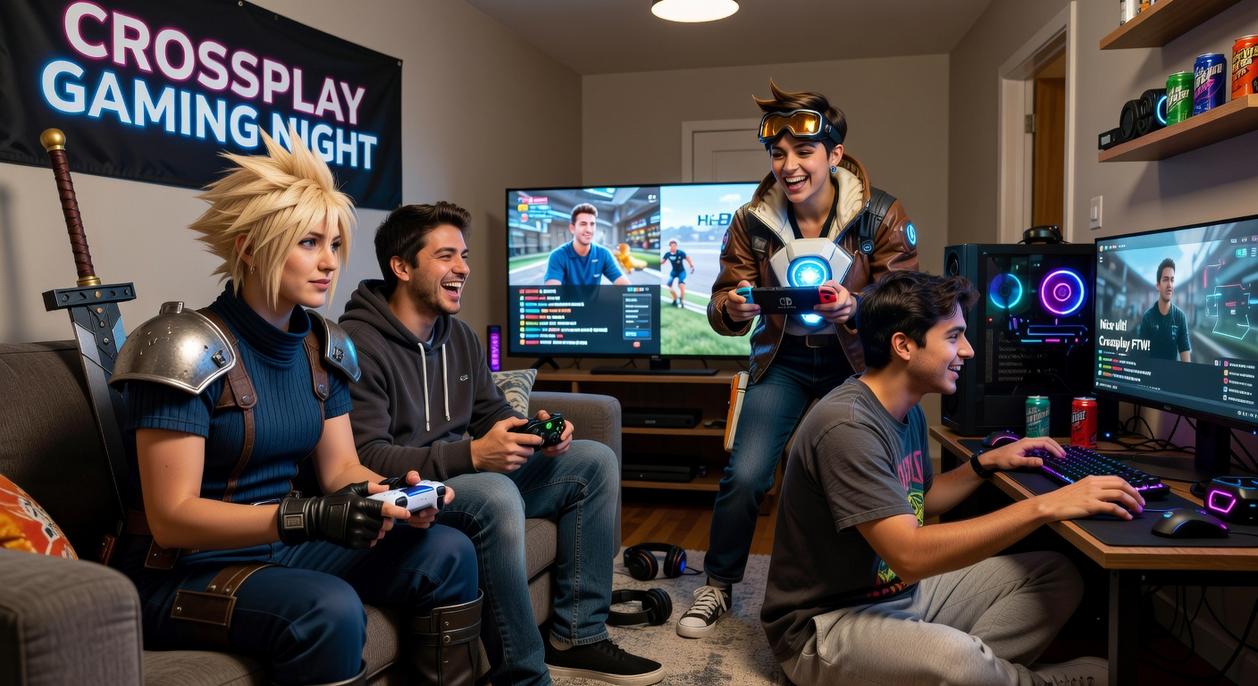
“Wait, you’re on Xbox? I’m on PC,” my friend said. Cue collective groan. That’s the modern multiplayer dilemma. The fix? Enable cross-platform play in your game’s settings (usually under Account or Online), link a universal ID like Epic or Activision, and sync your friend list.
“But will it lag?” someone always asks. Not if your NAT type is open and your firmware’s updated (pro tip: reboot your router before big sessions).
- Calibrate controller sensitivity across platforms for fairness.
“I can finally squad up?” Yes. Different hardware, same lobby. Digital walls: gone.
What is Cross-Play and Why Does It Matter?
At its core, cross-play is the ability for gamers on different consoles or devices to play together in the same online match. In simple terms, it means an Xbox player, a PlayStation player, and a PC player can connect to the same servers and compete—or cooperate—without being separated by hardware. That’s cross-platform play in action.
So why does this matter? First, it creates larger player pools. More players mean faster matchmaking and fewer empty lobbies (we’ve all stared at a “searching for match” screen for too long). It also lets you team up with friends no matter what system they own. Instead of arguing over which console is “best,” you can just squad up and play. As a result, multiplayer games stay alive longer because the community isn’t split.
From a developer’s perspective, unifying players boosts engagement and retention. A single, connected audience is easier to support with updates and events. Some critics argue cross-play can create balance issues between console and PC users. However, smart matchmaking filters and input-based lobbies largely solve that.
Don’t confuse cross-play with cross-progression. Cross-progression lets you carry saves, skins, or unlocks across platforms. They often appear together, but they’re separate features. When choosing your next multiplayer title, prioritize both for maximum flexibility.
The Essential Pre-Flight Checklist: Is Your Game Ready?
Before you squad up, run through this quick pre-flight checklist (because nothing kills hype faster than a settings screen).
Step 1: Confirm Game Support
First, verify whether your title supports cross-platform play. Not every multiplayer game does. Check the official game website, Steam page, or console store listings like PlayStation Store and Xbox Marketplace. Community wikis are also surprisingly thorough (bless the internet archivists). This step saves you from buying a game your friends can’t even join.
Step 2: Universal Account Systems
Next, link a central account—such as Epic Games for Fortnite or an Activision account for Call of Duty. Think of this as your gaming passport. It connects your platform profiles and syncs progression, friends lists, and cosmetics. Without it, you’re basically showing up to the airport without ID.
Step 3: Platform-Level Settings
However, don’t stop in-game. PlayStation and Xbox both have system-level cross-play toggles that can override game settings. Double-check these under privacy or multiplayer settings to avoid silent connection blocks.
Step 4: Voice Chat Considerations
Finally, sort out communication. In-game party chat usually works best, but Discord remains a reliable backup.
For broader connectivity trends, explore the rise of cloud gaming services opportunities and challenges.
Activating Cross-Play: A Universal In-Game Guide
Navigating the Game Menu
Most games tuck the cross-play toggle inside Settings, Options, or a Network/Social tab. I always tell players to check the Account section too (developers love hiding it there). Look for a simple On/Off switch. If it’s grayed out, it usually means your account isn’t linked yet. Enable it, apply changes, and restart if prompted—yes, it’s basic, but it fixes more issues than people expect.
Adding Friends From Other Platforms
Here’s where people get tripped up. You can’t rely on a PSN ID or Xbox Gamertag alone. Instead, use the game’s universal ID system, like an Epic ID or Activision ID. Enter that in the in-game Friends search bar. In my opinion, this system is far cleaner than juggling platform lists (even if it feels like one extra step).
Forming a Cross-Platform Party
Open the Social menu, select your friend, and hit Invite to Party. If cross-platform play is enabled for everyone, they’ll appear in your lobby regardless of console.
Troubleshooting Common Issues
Invites not showing up? Restart the game. Can’t join? Check for updates. Still stuck? Re-link your account. Pro tip: a quick logout/login often works like magic (IT Crowd style).
Optimizing Your Setup for a Lag-Free Experience
A smooth setup isn’t just about bragging rights—it directly impacts your reaction time, accuracy, and win rate. In competitive gaming, milliseconds matter (yes, even the ones you blame on “lag”).
Network Stability Is Key
A wired Ethernet connection reduces latency (delay between action and response) and packet loss (data that never reaches its destination). Wi-Fi is convenient, but interference from walls or other devices can spike your ping at the worst moment. In cross-platform play, where players connect from varied systems, stability gives you a measurable edge.
Pro tip: Plug directly into your router and disable background downloads before matches.
Controller Mechanics and Input Lag
Input lag is the delay between pressing a button and seeing the action onscreen. Wired controllers cut that delay. Adjusting deadzone settings—the area your stick can move without registering input—improves responsiveness.
| Setup Choice | Competitive Benefit |
|————————|———————————–|
| Wired Controller | Faster input response |
| Lower Deadzone | Snappier aiming |
| Ethernet Connection | Stable, consistent performance |
Input-Based Matchmaking
Input-based matchmaking pairs similar control types. Prefer fair stick-vs-stick battles? Enable it. Want broader competition? Disable it.
Visual and Audio Settings
Standardize FOV (Field of View) for awareness and use a quality headset for clear directional audio. The benefit? Faster decisions, better coordination, and more wins.
Your Gateway to a Larger Gaming World
You now have the knowledge to check, enable, and optimize cross-platform play for any supported title. No longer will your choice of console or PC dictate who you can squad up with.
By following these steps, you’ve unlocked a larger community, faster matchmaking, and seamless invites across platforms (goodbye, empty lobbies).
What’s in it for you?
- More teammates, more competition, more chances to win
- Stronger squads built from real-world friends and global rivals
Pro tip: keep your settings synced after updates to avoid surprise disconnects.
Send those invites and dive in.
Level Up Your Gaming Experience
You came here to better understand the latest gaming trends, console innovations, and how to sharpen your multiplayer edge. Now you have a clearer path forward — from optimizing your setup to mastering stick-based controller mechanics and embracing cross-platform play for a more connected experience.
Gaming frustration often comes from laggy setups, unbalanced controls, or feeling outmatched online. The good news? Those problems are fixable. With the right strategies and optimized configuration, you can compete smarter, react faster, and enjoy smoother sessions every time you log in.
Don’t let poor performance hold you back. Dive deeper into expert gaming insights, apply these setup optimizations today, and start dominating your next match. Join thousands of competitive players already leveling up their gameplay with proven strategies — and make your next session your best one yet.