
Your battlestation should feel as powerful as it performs—but without the right lighting, even the most advanced setup can fall flat. This guide goes beyond surface-level aesthetics to deliver practical, professional-grade gaming room lighting tips that elevate both performance and atmosphere. Poor lighting causes eye strain, breaks immersion, and dulls the visual impact of your rig. Here, you’ll learn exactly what to use, where to place it, and how to balance brightness and color for maximum comfort and depth. Drawing from years of hands-on setup optimization, this blueprint gives you clear, actionable steps to transform your space into a truly immersive gaming environment.
Smart lighting isn’t about aesthetics; it’s about performance.
The science of bias lighting is straightforward: place a light behind your monitor to reduce the contrast between a bright screen and a dark room. That’s what strains your eyes and triggers headaches during long sessions. Research shows balanced light reduces eye fatigue.
Beyond comfort, ambient lighting that mirrors on-screen colors makes worlds feel bigger. When your walls glow crimson in a boss fight, the action seems to spill past the bezel. It’s like stepping into the game, not just watching it.
Then, consider color temperature. Cooler, blue-toned whites boost alertness and reaction time — perfect for ranked matches. Warmer, yellow light encourages relaxation for story-heavy nights. I think these tweaks beat gaming room lighting tips. Pair them with smart organization, like these cable management tips for a clean and efficient gaming space, and your setup works as hard as you do.
The Ultimate Lighting Toolkit: From LED Strips to Smart Bulbs
First up, LED light strips. Most people grab basic RGB strips and call it a day. However, RGBIC (Independent Control) strips are a different beast. Unlike RGB, which shows one color across the entire strip, RGBIC can display multiple colors at once, creating gradients and animated effects that actually look fluid. That’s huge for desk edges or behind monitors where motion adds depth (think less “holiday lights,” more “Tron”). Pro tip: pair them with diffusers to avoid the dotted look and get a smooth neon glow.
Next, smart light bars and towers. Conventional wisdom says overhead lighting is enough. I disagree. Indirect lighting placed on either side of your monitor washes the wall with color, reducing eye strain and boosting immersion. It’s subtle—but powerful.
Then there are modular wall panels—hexagons, triangles, even sleek lines. Some critics call them overpriced wall candy. Fair. But when synced with gameplay, they become interactive art, not just decoration. Suddenly your room reacts like a boss arena powering up.
Smart bulbs are the easiest entry point. Swap out your existing bulbs and control brightness and color from your phone or PC. Some argue they’re “too basic.” Yet for full-room ambiance, they’re unmatched in simplicity and value.
Finally, don’t skip essentials: diffusers and cable management clips. Clean lines matter.
If you’re collecting gaming room lighting tips, remember this: more lights don’t equal better atmosphere. Intentional placement beats sheer brightness every time.
Mastering Light Placement: The Three Key Zones for a Flawless Setup
Back in 2020, when streaming setups exploded overnight, most gamers focused on RGB overload instead of smart placement. After three months of testing different layouts, one truth became obvious: lighting works best in layers, not blasts.
Zone 1: The Monitor (Bias & Immersive Lighting)
This is your foundation. Bias lighting—a soft glow behind your monitor that reduces eye strain—improves perceived contrast and comfort (the American Optometric Association notes that balanced ambient lighting reduces digital eye fatigue).
Step-by-step:
• Attach an LED strip or light bars to the back edges of your monitor.
• Keep the lights facing outward toward the wall, not toward you.
• Position your monitor 4–6 inches from the wall for optimal diffusion.
• Use a neutral white (around 6500K) for accurate color rendering.
Some argue bias lighting is unnecessary if your screen is bright enough. But that’s like saying headlights are pointless because your car already moves. The glow reduces harsh contrast between a bright display and a dark room (your eyes will thank you after a late-night ranked grind).
Zone 2: The Desk (Task & Accent Lighting)
Now light the workspace—without glare.
• Install an under-desk light strip for a clean “floating desk” effect.
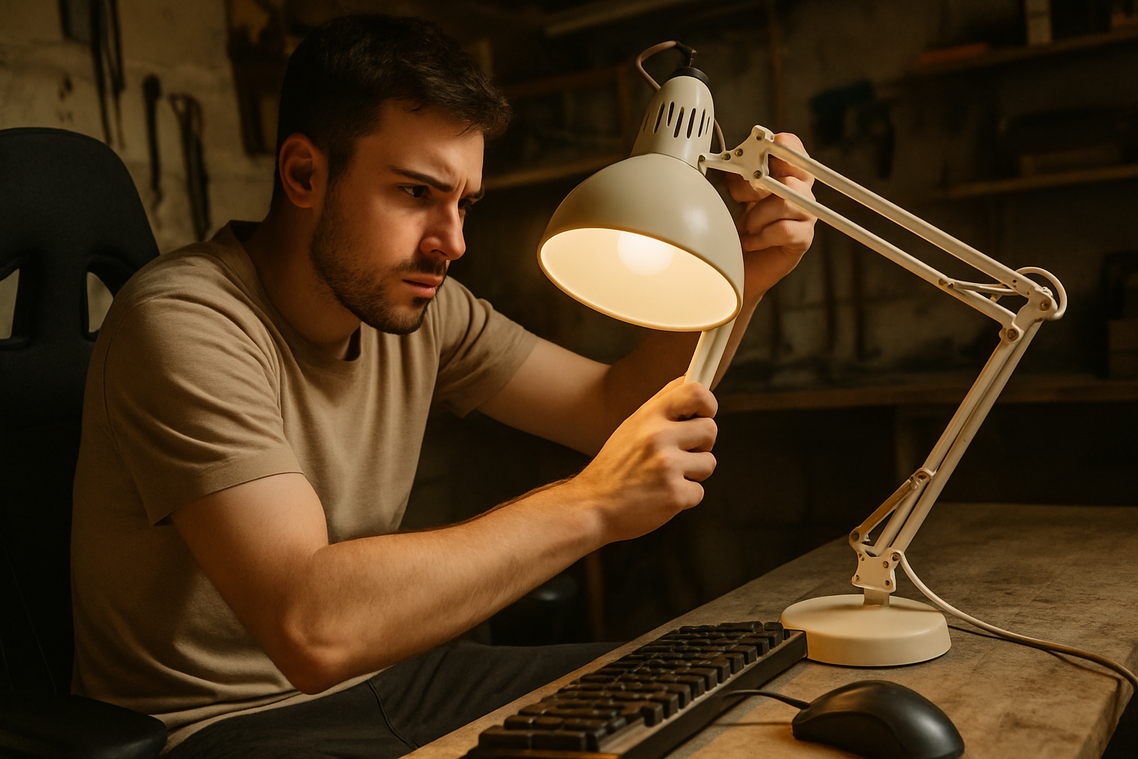
• Add a small diffused lamp aimed downward.
• Avoid any light that reflects directly off your screen.
Glare is the silent immersion killer. If you see your bulb reflected mid-match, adjust immediately. Pro tip: Matte desk surfaces reduce unwanted reflections.
Zone 3: The Room (Ambient & Fill Lighting)
Finally, balance the entire space.
• Place smart bulbs in floor lamps.
• Add light towers in corners to soften shadows.
Without this layer, your setup feels like a glowing rectangle in a cave. Ambient light creates comfort and depth—core principles behind effective gaming room lighting tips.
Putting It All Together
Start with the monitor. Add desk accents. Finish with room fill. Layered lighting prevents harsh shadows and bright hotspots, creating a polished, tournament-ready environment worthy of any modern battlestation.
Level Up Your Setup
I used to think hardware alone would transform my battlestation. I bought premium strips, mounted them perfectly—and nothing synced. The missing piece was software. Tools like SignalRGB, Razer Chroma, or Corsair iCUE act as control hubs, letting your lights react dynamically (think DJ for your LEDs).
Screen mirroring samples edge colors and throws them onto the wall; when an explosion hits, your whole room flashes red and orange. Audio visualization makes lights pulse with every bass drop.
My mistake? Ignoring gaming room lighting tips about calibration. Match brightness to your display, or risk washed-out chaos.
Your Perfectly Lit Gaming Sanctuary Awaits
You came here looking for practical gaming room lighting tips, and now you have a clear, three-zone strategy to transform your space. By focusing on your monitor, desk, and room, you’ve replaced harsh glare and random RGB strips with a cohesive setup that reduces eye strain and elevates every session.
Don’t let poor lighting keep sabotaging your focus or immersion. Start today with bias lighting behind your monitor—the fastest way to see and feel the difference.
Ready to level up your entire setup? Explore our #1-rated gaming optimization guides and upgrade your space now—your eyes (and your win rate) will thank you.